Google Ads puts your business in front of a person at the exact moment they search for what you sell. For many companies it is the first channel they turn to while organic search work is still building up. But opening an account and setting one up properly are two different things. A badly configured account burns through budget quickly and leaves behind the impression that "ads don't work", when the real problem was the setup.
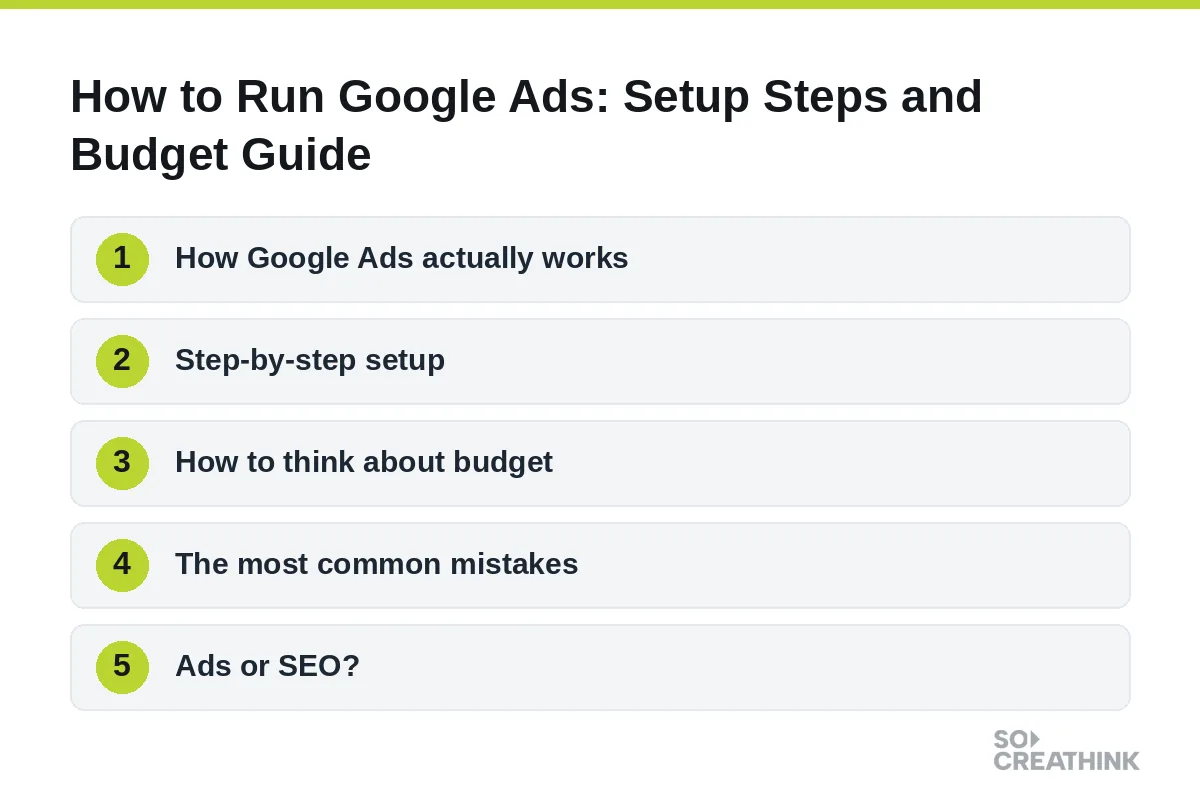
This guide explains how to run Google Ads from the ground up: how the auction works, the steps to follow before you spend anything, how to think about budget, the mistakes that waste money, and how ads fit alongside SEO. It is written for business owners and marketing managers, not for specialists.
How Google Ads actually works
Google Ads runs on an auction, but the highest bidder does not automatically win. Each time someone searches, Google decides which ads to show and in what order based on two main inputs: your bid, and the quality of your ad and landing page for that search.
That second part is often summarised as Quality Score. It reflects how closely your ad text, your keywords and the page people land on match what the searcher was looking for. A search for "waterproof hiking boots for women" is better served by an ad and a page about exactly that than by a generic footwear page.
The practical consequence is important. A well-built account can appear above a competitor who bids more, and it can pay less per click while doing so. This is why setup quality matters more than budget size, especially in the first months. Spending more on a poorly matched account simply buys more irrelevant clicks.
Step-by-step setup
1. Decide what a "result" is
Before touching the platform, write down the single action you want: a phone call, a form submission, a purchase, a booking. Campaign type, keywords and measurement all follow from this decision. If you cannot name the goal in one sentence, the account will drift.
2. Set up conversion tracking first
This is the step most often skipped, and it is the most expensive one to skip. Without conversion tracking you cannot tell which keyword or ad produced an enquiry, so budget gets spread blindly. Tracking is usually set up by adding a tag to your website, often through Google Tag Manager, and confirming that a test form submission or call is recorded. Finish this before the first ad goes live, not after.
3. Choose keywords by intent
Broad, generic terms are expensive and rarely signal intent. Someone searching "shoes" could want anything. Someone searching "waterproof trail running shoes size 42" is much closer to buying. Start with specific phrases that describe what you sell, who it is for, or the problem it solves, and group them into tightly related sets.
4. Build a negative keyword list
Negative keywords are searches you do not want your ads to appear for. Terms such as "free", "jobs", "course" or "how to make your own" often attract people who will never buy. Adding them early protects the budget, and the list should keep growing as you review the actual search terms that triggered your ads.
5. Write several ad variations
Give each ad group multiple headlines and descriptions. Google rotates and tests combinations, and over time shows you which messages draw clicks. Write for the searcher: repeat the language they used, state a clear benefit, and finish with a specific action.
6. Prepare the landing page
Send the click to the page that answers the search, not automatically to the home page. If the ad promises a price list, the visitor should see the price list within a few seconds. A home page forces people to hunt, and every click that leaves immediately is money gone. The page should load quickly on mobile, state the offer in the first screen and make the next step obvious.
7. Set location, schedule and devices
A business that serves one city or region should not show ads nationwide. Restrict locations to the areas you actually serve, and consider limiting hours if you only answer calls during the working day. Check device performance too, since mobile and desktop visitors often behave differently.
How to think about budget
There is no universal number for a Google Ads budget. It depends on your industry, competition and what a customer is worth to you. The logic, however, is the same everywhere, and you can work it out with your own figures.
Start with customer value. Suppose, purely as an illustration, that an average customer is worth 500 in revenue or margin to you. If one in five enquiries becomes a customer, each enquiry is worth about 100. If you pay 5 per click and one in twenty clicks becomes an enquiry, an enquiry costs about 100 in ad spend. In that scenario the account roughly breaks even, and improving either the click cost or the conversion rate makes it profitable.
These numbers are examples, not benchmarks. Your own figures will differ, and the first weeks of a campaign are partly spent discovering them. That is why it makes sense to start with a controlled test budget, collect real data on which keywords and ads convert, and only then increase spend on what works.
There is no official minimum budget, but a daily budget far below the cost of a single click gives you almost no data. Plan for enough steady spend over several weeks to see patterns, rather than switching campaigns on and off every few days. How quickly meaningful data builds up depends on your search volume and click cost, so expect a learning period rather than instant optimisation.
The most common mistakes
Starting without conversion tracking. Without measurement there is nothing to optimise. This single mistake underlies many "ads didn't work" stories.
Putting every keyword in one campaign. When searches with different intent share one ad, relevance falls, Quality Score drops and costs rise. Group related keywords and write ads for each group.
Ignoring negative keywords. Irrelevant searches can take a surprising share of the budget. Review the search terms report regularly and exclude what does not belong.
Launching and forgetting. The first weeks need regular attention. Which keywords convert only becomes clear with data, and weak ones should be paused or reworked.
Sending traffic to the home page. If visitors cannot find what the ad promised in the first screen, they leave and the click cost is wasted.
Bidding only on your own brand name. People who already search for you are likely to find you anyway. Brand campaigns can have a role, for example against competitors bidding on your name, but they should not be the only thing you pay for.
Ads or SEO?
These two are not competitors; they do different jobs. Ads give you visibility the same day, but it stops when payment stops. SEO grows more slowly, yet it lasts, and over time it can lower the amount you depend on paid clicks.
In practice the strongest approach is to run both. Ads collect demand from the first day while SEO quietly builds permanent visibility. Ads also generate useful information: the keywords and messages that convert in paid campaigns tell you what to prioritise in your organic content. If you want to understand how the organic side is handled, see our SEO services overview.
Should you manage it yourself or hire help?
A simple campaign can be created by a motivated owner in an afternoon. The difficulty is not creating the campaign but running it: managing negative keywords, adjusting bids, reading conversion data and deciding what to change next takes steady attention. If you do not have the time, or your market is competitive enough that small inefficiencies are costly, working with a specialist often pays for itself.
Whichever route you choose, keep ownership of the account. The ad account and the analytics data should be opened in your company's name, with you holding administrator access, so you can move to a different partner without losing history. For a wider view of what an agency handles day to day, read what a digital marketing agency does. If you would like to see how we run paid search for clients, our Google Ads service page explains the scope and process.
Frequently asked questions
What is the minimum budget for Google Ads?
There is no technical minimum, but a daily budget that is very small compared with the cost of a click will not produce enough data to optimise. The right level depends on your industry and competition, so start with a test budget you can sustain for several weeks.
How long before Google Ads produce results?
Ads can show the same day you launch. Understanding which keywords and messages really convert, and tuning the account accordingly, normally takes longer and depends on how much traffic the campaign receives.
Can I run Google Ads myself?
Yes, a basic campaign is within reach. The harder part is maintaining it: reviewing search terms, managing negative keywords, adjusting bids and analysing conversions on a regular basis.
How much will each click cost?
It varies widely by industry. In competitive categories clicks can cost many times more than in quiet ones. Accounts with a higher Quality Score often pay less than competitors for the same position.
If I click on a competitor's ad, does it hurt them?
Google works to detect invalid clicks and does not charge advertisers for them, so this tactic does not work and is not worth trying.
Talk to us about your account
If you want to start Google Ads and are unsure where to begin, or your current account is not delivering what you expected, we can review it and explain plainly what needs to change. You can get in touch and we will take it from there.